Keep track of everything you want to watch.

It organizes your shows the way you like to watch them.

Knows what's next.
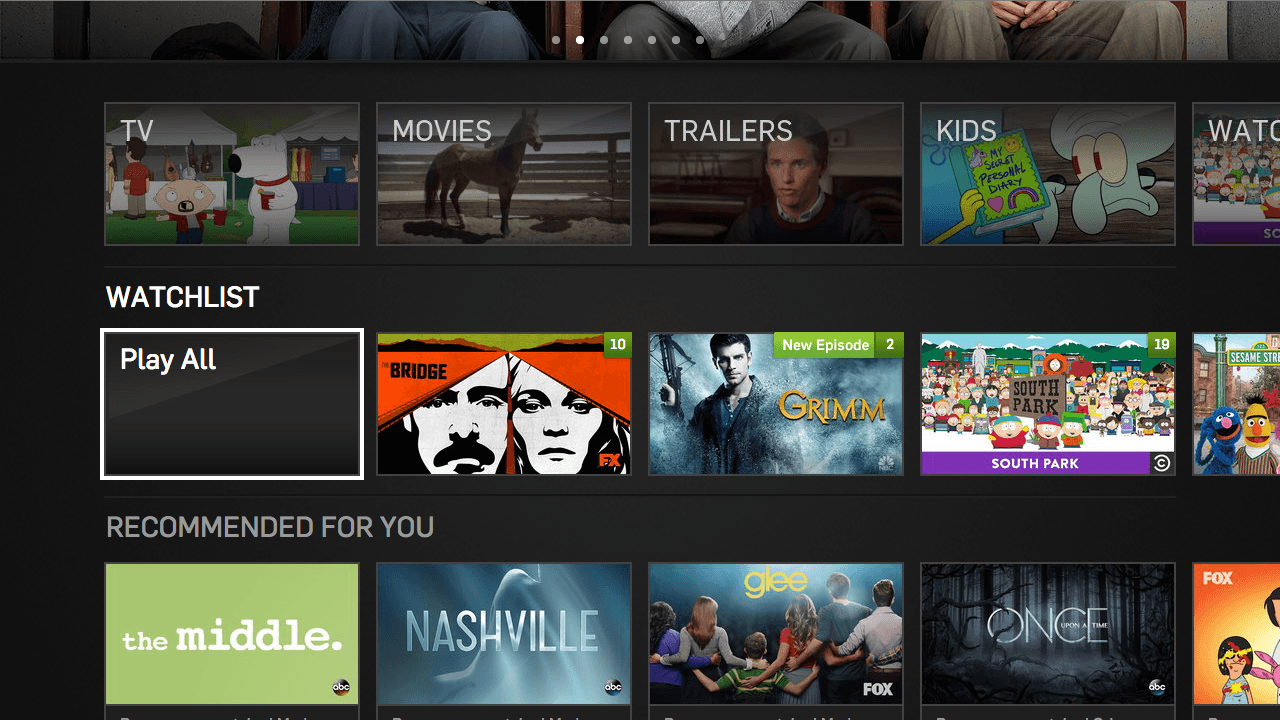
Available everywhere you watch.

The press took notice.
Case Study
The making of WatchlistThree features that didn't work together.
As Hulu had evolved in its earliest years, three distinct features had been built to help people keep track of the shows and movies they were watching.
- The Queue was where you could save TV episodes or movies, and manually put them in the order you'd like to watch. But you had to personally find and save everything, and then futz around with re-ordering on a regular basis.
- Favorites allowed you to subscribe to a TV series and have episodes auto-added to your Queue when they aired. However, this required manual setup for each series, which most people didn't take the time to do.
- Shows You Watch automatically kept track of the TV series you watched, and made it simple to pick up where you left off. However, it wasn't customizable, had nothing to do with the Queue or Favorites, and had no way to include movies.
Why it matters: People didn't know which one to use, and none of them answered the question you have when you sit down: what should I watch now? Shows You Watch was the most used of the three, with 53% of people using it, but it was focused on the past. And only 7% of homepage traffic ever made it to the Queue.
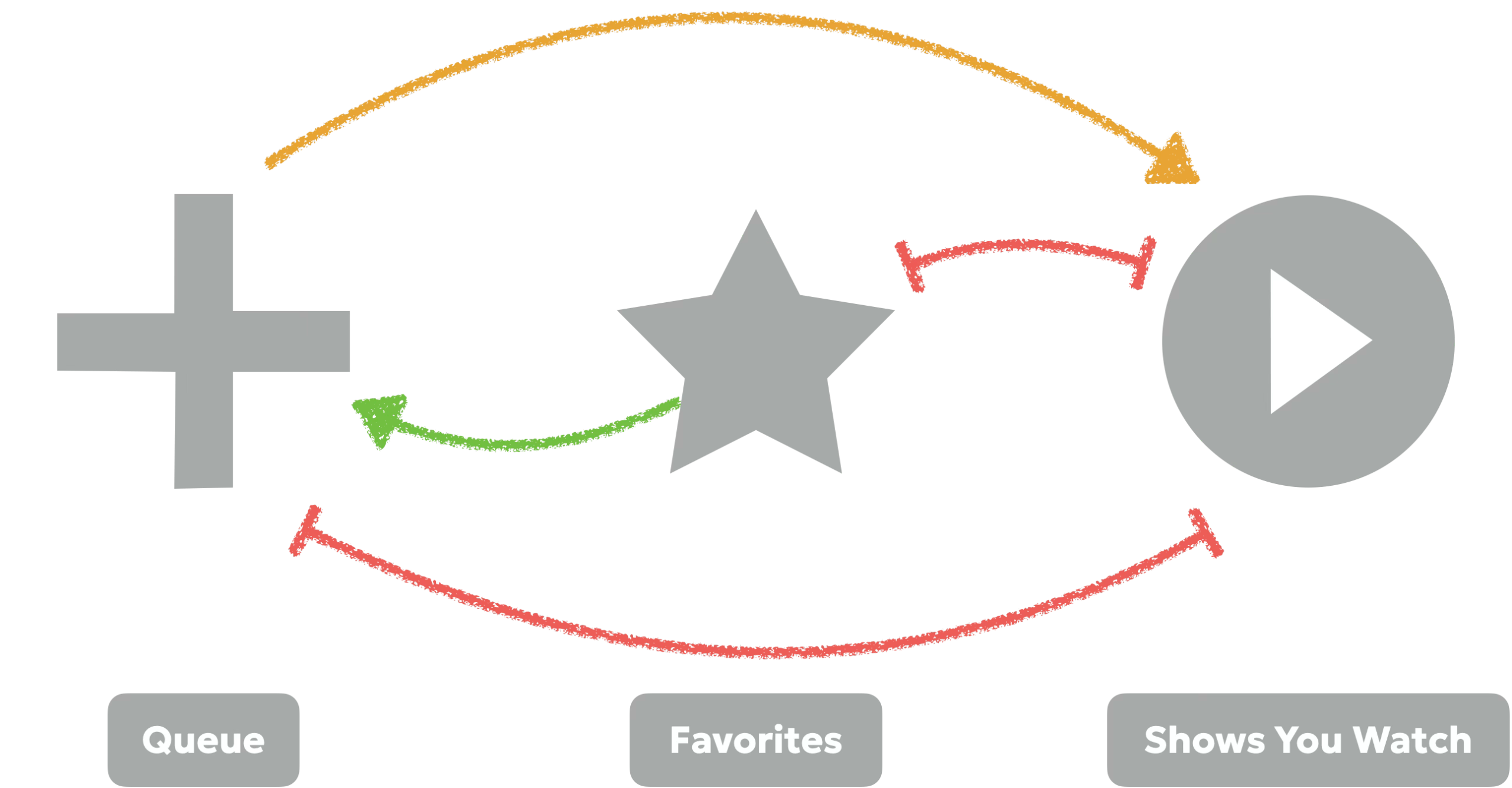
All three were trying to do the same job.
Instead of fixing the Queue, I proposed replacing all three with a single feature: an intelligent to-do list for your TV shows and movies, available on every Hulu platform.
Why it matters: Fixing the Queue alone would have left the other two features, and the confusion between them, right where they were.
How I got there: I'd heard customers mix these features up back when I ran Hulu's support team, but a hunch wasn't enough. So one of my first steps was working with customer support to pull metrics, contacts, and example emails, and to talk with agents about the pain points they were hearing. Once I lined the three features up side by side, they all shared one goal: capturing part of someone's interest in a show.
The catch: It meant changing every Hulu app, not just one page on the website.

A list that sorts itself.
We invented a new sorting algorithm that used a person's past viewing behavior to predict how they'd want to watch things, and I co-invented the patent behind it, U.S. 9,560,399.
Why it matters: One list could only replace three if nobody had to manage it. The goal from the first concept doc was to get the order right, so nobody would need to rearrange their Watchlist by hand. That's why we left manual reordering out.
How it worked: Instead of sorting by date, Watchlist sorted by how likely you were to watch each show next. A model trained on viewing behavior looked at things like how often you watched a show, how recently you'd watched it, and whether new episodes were out.
The result: When we A/B tested the new order against the old one in the Shows You Watch tray, minutes watched went up 8%.
Just your stuff: Shows You Watch opened with a huge tile that was really a recommendation slot. People were confused, because the biggest thing in a row called Shows You Watch often wasn't a show they'd watched. So recommending content inside Watchlist was a non-goal from the start. It only holds what you're interested in.

From Santa Monica to Beijing.
I wrote the documentation every team built from and pitched each platform team in person, including trips to Seattle and Beijing, even though none of them reported to me.
Why it matters: Watchlist only worked if your list was the same on every screen. That meant every platform team had to rebuild part of its app, on top of whatever else was on its roadmap.
The toughest rooms: iOS took the most convincing. It was Hulu's most visible app, so any change got extra scrutiny. Editorial and marketing weren't far behind, since they were giving up a promo spot.
The whole company: I also presented Watchlist at a 500+ person Hulu all-hands, kicking off our internal dogfooding period, where employees helped fine-tune the ordering before launch.
No one likes being blindsided.
I proposed launching Watchlist the way Facebook rolled out Timeline: an early opt-in, with a date announced ahead of time for when everyone would switch over.
Why it matters: In past rollouts, people had told us they felt blindsided by sweeping changes, and the Queue and Favorites had been around for years.
Behind the scenes: Watchlist sat behind a switch on each account. Every team could build on its own schedule, and we could test everything without customers seeing it. It went to employees first, then to an opt-in in February 2015, then to everyone. I also worked closely with customer support to make sure they had everything they needed to help our customers.
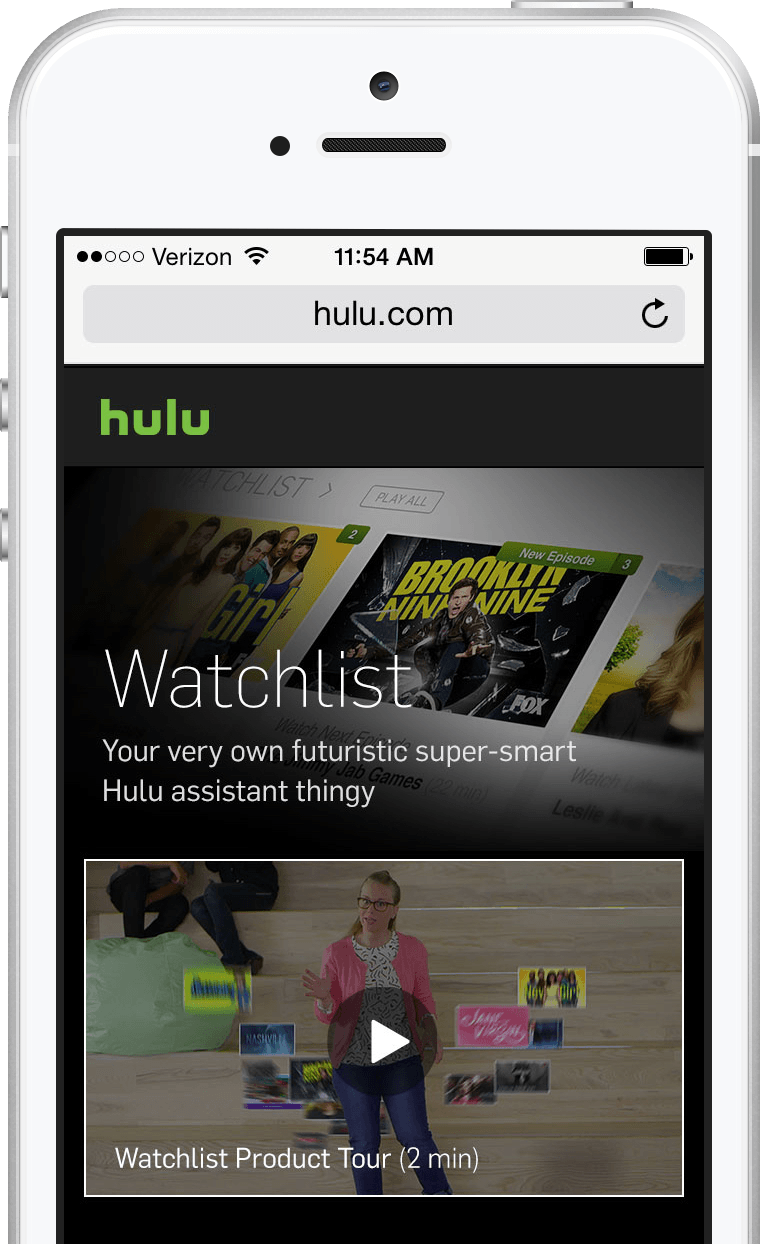
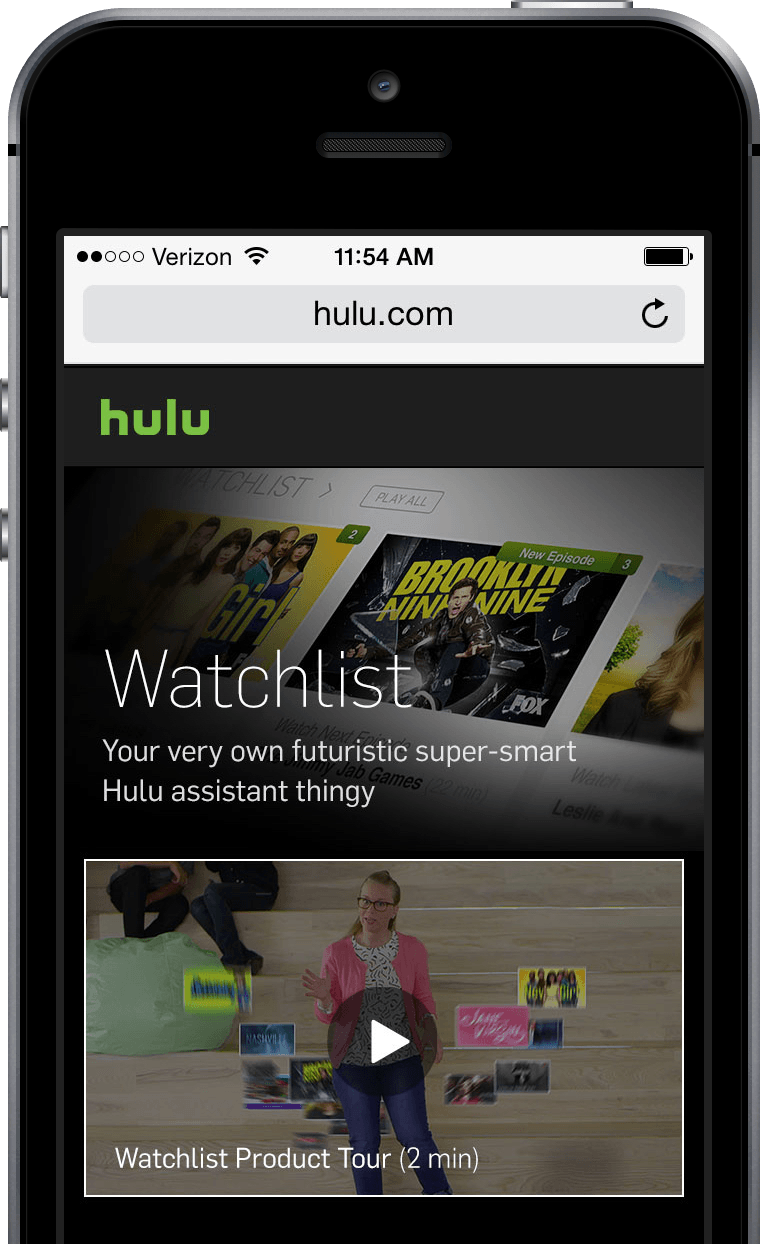
Getting the word out: Partnering with marketing and PR, I helped develop the launch video, the email campaign, and the opt-in page, and I wrote the announcement blog post. The opt-in page was upfront about what was changing: "It replaces Shows You Watch, Queue and Favorites."
By the numbers:
- 10+ platforms on the same day, Hulu's first simultaneous cross-platform launch
- 5,000+ people opted in on day one
- Hulu's largest feature launch at the time
The Watchlist Team
I led the project, but Watchlist shipped because of people in nearly every Hulu office. These four were the most instrumental, and if you need their skills, I'd recommend any of them.


